
Forgot your 7U777 password: a first-day reset lesson
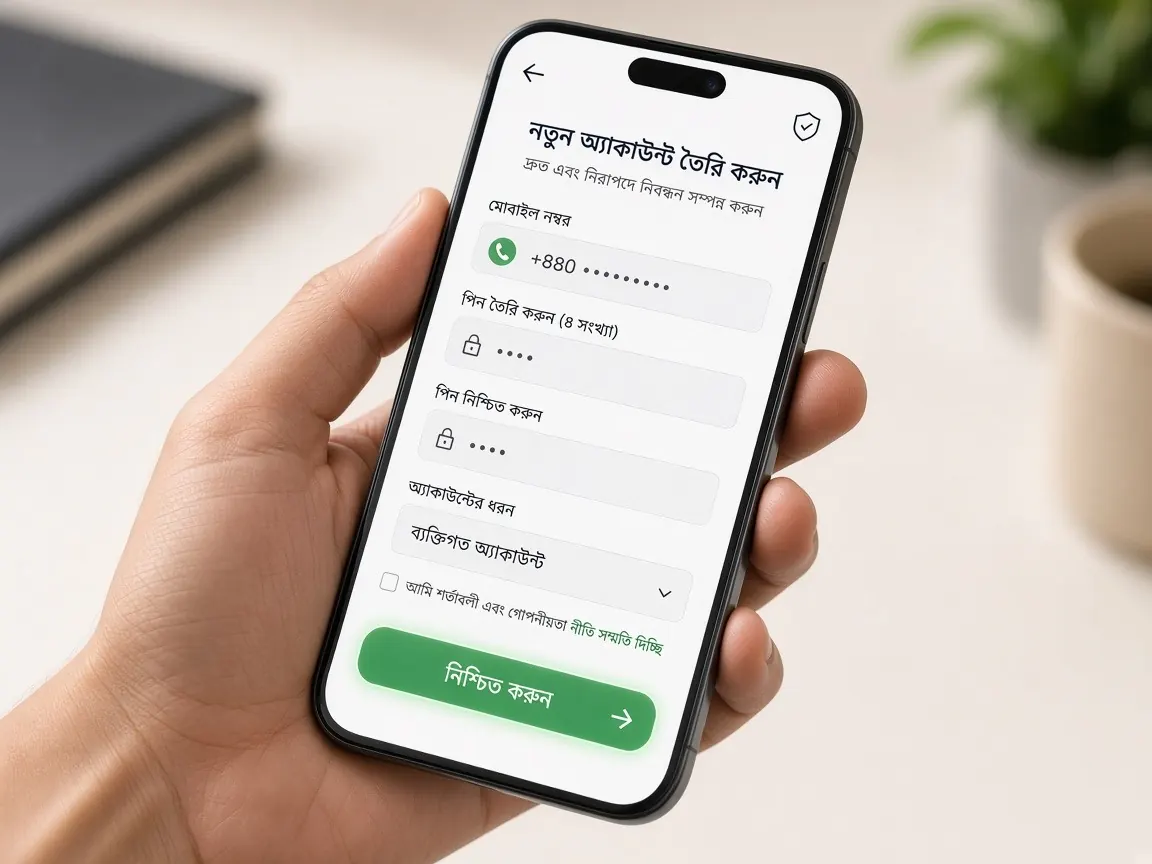
You opened your account yesterday, and today the password simply won't come back to you. This is very common among new players. There's nothing to be embarrassed about, and your account isn't lost. In this lesson we assume you've never reset a password before, so every step is small and in plain language. One thing first: this is an unofficial learning site. We can't see or change anyone's password. Resets happen only through the official lobby's own system and the live chat inside the lobby.
Have you really forgotten it, or is it a small slip?
Before starting a reset, spend two minutes checking whether the password is really the problem. On day one, many people get stuck for one of these reasons even though their password was right:
- Wrong keyboard. With a Bangla keyboard on, something else gets typed instead of English letters. Switch to English and try again.
- Capital and small letters. "A" and "a" are different to the lobby. Try to remember exactly how you typed it at signup.
- Wrong number or username. Check you didn't enter another number or an old SIM's number in the first box.
- An extra space. Pasting can leave a blank space at the start or end.
- Wrong address. Are you actually on the official lobby? If you landed on an unfamiliar page from search, your account doesn't exist there. Check the spelling of the address letter by letter.
If there's an eye icon next to the password box, tap it to see what you're typing. If none of this helps, move on to the reset. Don't keep trying over and over: after a few wrong attempts, login may be blocked for a while.
How do you use the lobby's "Forgot password" option?
Most of the time the fix is right on the login screen. The option may be called "Forgot Password" or something similar. The steps:
- Open the official lobby. Use the button on this page or your own saved address, and glance at the spelling in the address bar.
- Go to the login page. Look for a small reset link under or next to the password box.
- Enter your registered number. Exactly the one you signed up with. If the lobby asks for anything else, give only what the screen asks for.
- Wait for the code. A verification code or OTP may arrive by SMS on that number. Enter it only in the lobby's box.
- Set a new password. If it asks you to type it twice, type exactly the same thing in both boxes.
- Log in with the new password. If you get in, you're done.
To get familiar with every box on the login page, keep the first login lesson open alongside.
What should you check if the OTP doesn't arrive?
This is where resets get stuck most often. Before panicking, go through this list in order:
- Is the SIM for that number in your phone right now, and does it have signal?
- Is your message inbox full? Delete some old messages to make space.
- On a dual-SIM phone, did it land in the other SIM's inbox or a spam folder?
- Only tap "Resend" once it becomes active after a short wait; don't tap it repeatedly.
- Did you type the number correctly? One wrong digit sends the code to someone else.
If the old SIM is lost or the number is closed, first try to get a replacement SIM for the same number from your mobile operator. If that's not possible, go to live chat as described below. Don't open a second account on a new number; that can cause trouble later when you withdraw.
What should you write in live chat if the reset doesn't work?
Even when you can't log in, the lobby page often shows a chat icon, usually in one corner of the screen. Write a short, clear message there, something like this:
- Your username or registered mobile number.
- The problem in one line: "I forgot my password and the reset OTP isn't arriving" or "I still can't log in after resetting".
- A screenshot of what the screen is showing.
- Roughly when you opened the account and, if you deposited, which payment method you used. These help if support needs to confirm it's you.
Very important: never type your old or new password, an OTP code, or your bKash or Nagad PIN into chat. Real support doesn't ask for these. More examples of polite, useful chat messages are in the support lesson.
Open the official lobby login page
What should you keep in mind when making a new password?
Once the reset is done, choose a password you'll remember but nobody else can guess. A few simple first-day rules:
- Don't use your name, birthday or mobile number.
- Make it long, mixing letters, numbers and a symbol.
- Don't reuse your Facebook, email or any other site's password.
- If you write it on paper, keep it where only you can reach it.
- After logging in, log out once and back in to make sure you remember the new password.
The full set of habits for keeping your account safe beyond the password is in the account security lesson.
Which password reset traps should you avoid?
Scammers look for exactly the people who are new. When you're worried about losing a password, you rush, and they take advantage of that. Stop right there if you see any of these:
- Someone in Facebook comments or Telegram says "I'll unlock your account" and asks for money or a "fee" in return.
- Someone calls and asks you to read out the code that arrived on your phone.
- An SMS or message contains a link that opens something like a login page, but the address is unfamiliar.
- A page asks for your wallet PIN to reset your password.
If you see these, don't reply; cut off contact and do the reset yourself in the official lobby. More signs of fake pages are in the fake site lesson. If password trouble has you rattled, maybe skip playing that day. Read about keeping your own limits on the responsible play page.
Nothing happens when I tap the reset option. What now?
First refresh the page or open the lobby in another browser and try again. If you use the app, close it and reopen it. If it still doesn't work, tell the lobby's live chat and include a screenshot.
I don't remember my username either, only my number. Is there a way?
The reset page usually works with your registered number. If it needs a username you don't remember, give your number in live chat and ask for help. Don't share your password or any code.
Does resetting my password make me lose my balance or bonus?
A reset only changes the key you use to get in. After logging in, check your balance and transaction history once. If anything looks unusual, tell live chat. Bonus rules apply as shown in the lobby.
I logged in on someone else's phone. Should I change my password now?
Yes, changing it is the safe choice. Set a new one from the password section of your profile, and in future always log out when you finish on someone else's phone.
This is not the official 7U777 site; it's an unofficial learning guide for beginners. Login, password resets and support all happen only in the official lobby. 18+. Play responsibly and within your own limits.