
Logging in to 7U777 for the first time: from the very beginning
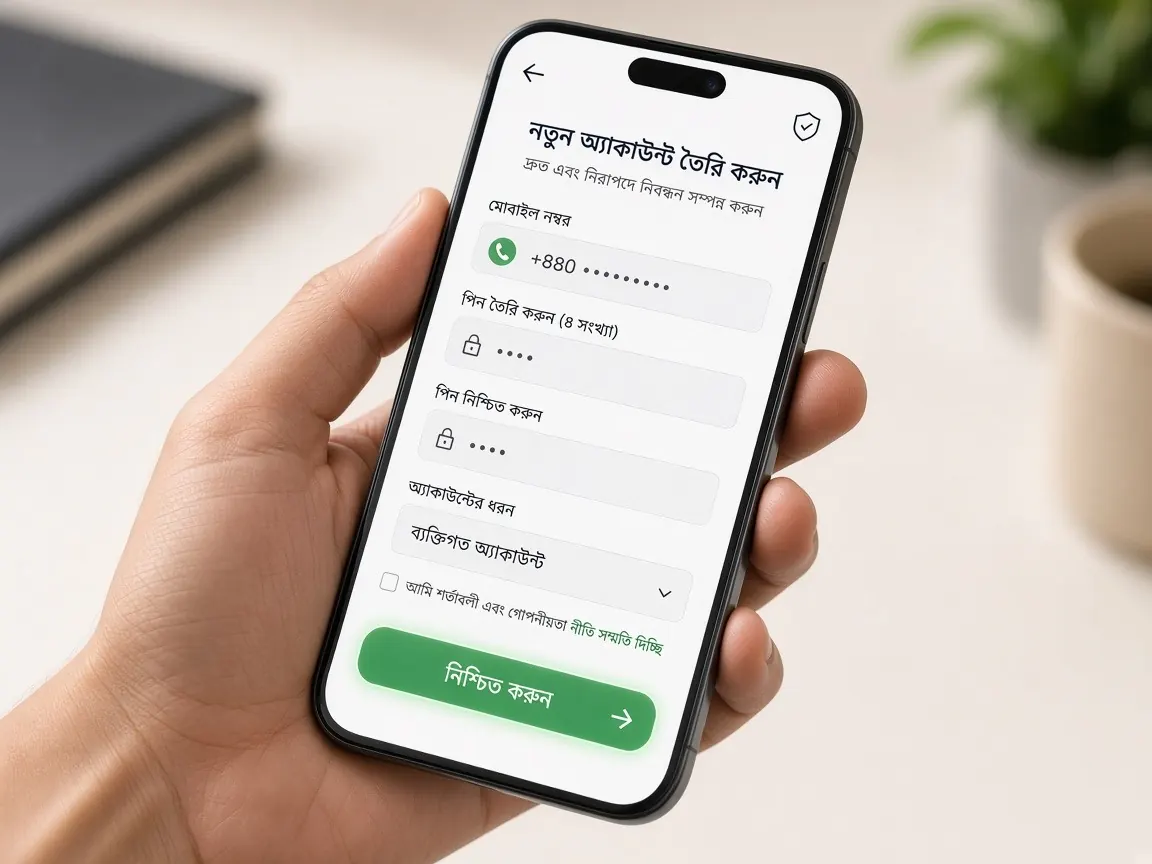
Your account is ready, and now it's time to go inside for the first time. Many people feel a little nervous at this point: which button, which box, what to type. Don't worry. Every step below is written as if someone is sitting next to you and showing you. Before we start, remember: this is an unofficial guide site. You can't log in here. Login happens only in the official lobby.
Keep these ready before you log in
- The mobile number or username you registered with.
- The password you created (if you wrote it down, make sure only you can see it).
- The phone with that SIM, because an OTP code may arrive.
- A good internet connection. On a weak network, pages load halfway and cause confusion.
How to log in to 7U777 on your phone, step by step
- Open the correct address. Tap the "official lobby" button at the bottom of this page. When the new tab opens, take a quick look at the address bar at the top. If you see an unfamiliar spelling, stop.
- Find the "Login" or "Sign in" button. It's usually near the top of the page. You'll also see a "Register" or "Sign up" button next to it. That one is for new accounts, so you don't need it now.
- Type your number or username in the first box. Type it exactly as you did when you registered. An extra space at the start or end often causes an error.
- Enter your password in the second box. If there's an eye-shaped icon next to the box, tap it to check that you typed it correctly. Capital and small letters are treated as different.
- Enter the OTP if asked. Type the code you received only into the lobby's box. If anyone calls or messages asking for this code, don't give it. Real support never asks for your OTP.
- Tap the login button and wait. Don't tap it two or three times quickly. Tap once and let the page load.
What you'll see once you're inside
The first time you log in, the screen might look crowded. Let's get to know each part separately:
- Balance at the top: how much money is in your account right now. It's normal for a new account to show zero.
- Deposit / Cashier button: the place to deposit and withdraw money. How to use it is explained in the payments lesson.
- Game categories: tabs such as slots, live and cricket. On your first day, just look around. You don't have to understand everything at once.
- Promotions: a list of current offers. Read the terms before you take one. See the bonus lesson.
- Profile / Account: where you change your password, add a wallet and verify your account.
- Live chat: usually a small chat icon in a corner. If you have a problem, write here.
A five-minute practice after your first login
Before you deposit money or start playing, do this short practice. It helps you get to know the lobby, and if a problem comes up later, you'll already know where to go.
- Go to your profile and check that your mobile number is saved correctly.
- Tap the cashier button and just look at which methods are available. You don't need to send anything yet.
- Find where the live chat icon is.
- If there is a "responsible play" or limit-setting option, see where it is.
- Log out once and log back in, so you're sure you remember your password correctly.
Once these five things are done, you're no longer "brand new". You already know the main parts of the lobby.
If you get stuck: common problems and fixes
It says "wrong password"
First, check whether Caps Lock or a Bangla keyboard is on. Then check your number again. If it still doesn't work, use the "Forgot password" option on the login screen, or tell the lobby's live chat. Too many wrong attempts can lock your account for a while, so stop after three or four tries.
The OTP is not arriving
Check that your SIM has network, wait a minute or two, then tap "Resend". A full message inbox can also block the code.
The page won't load or shows a white screen
Close the browser and open it again, or try another browser. If you use the app, check that you have the latest version. See the app lesson.
If someone contacts you by SMS or Telegram asking for your password or code, that is not support. For official news: @BD_7u777.
Safety habits for beginners
- If you log in on a shared phone or someone else's phone, always log out when you're done.
- Don't reuse an old password from any other site here.
- Never enter your login details on an unknown page from search results. First read the lesson on spotting fake sites.
- If you don't have an account yet, finish the register lesson first.
This is not the official site; it is only a learning guide. Login, balance and the cashier are only in the lobby. 18+ only. Set your own limits and play responsibly.