
7U777 account security: three keys, and they stay in your hands
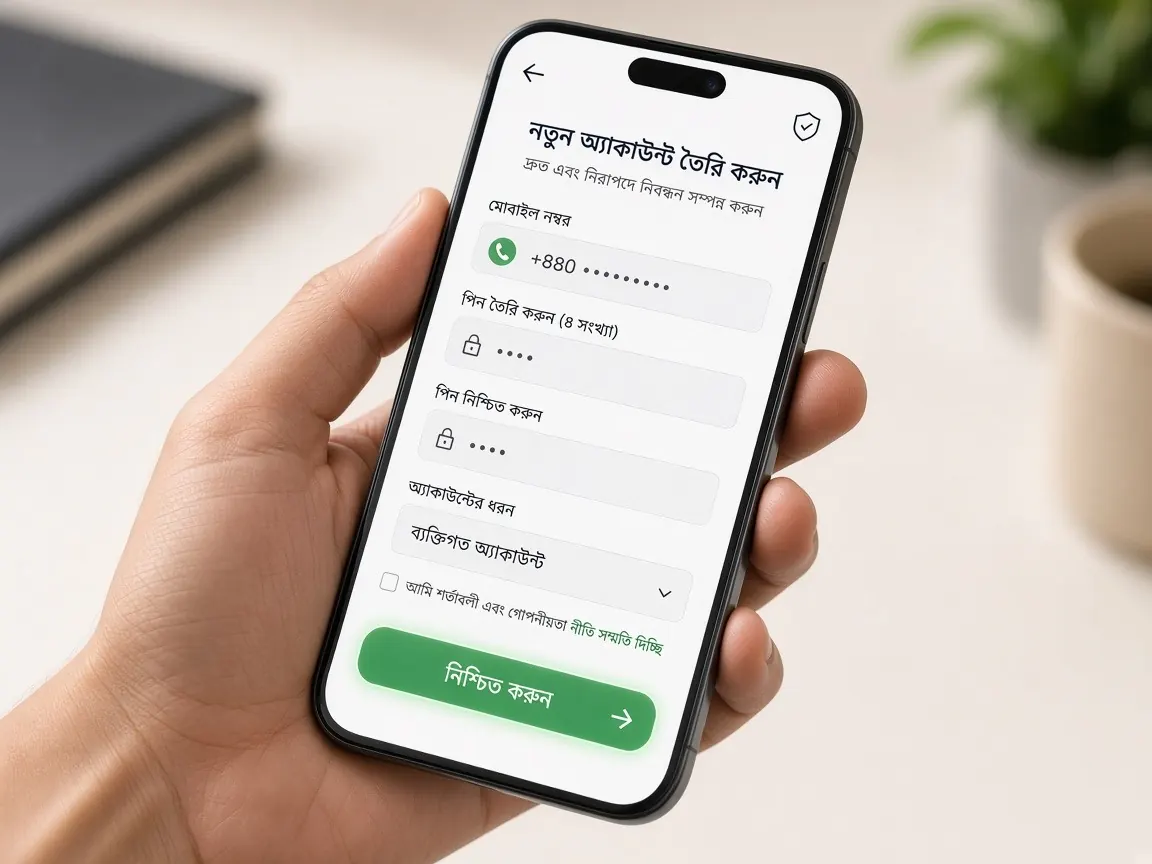
After opening a new account, most people head straight for the games or the bonus. Yet a few minutes spent on security on day one saves a lot of trouble later. In this lesson we think of your account as a house with three locks on the door: your password, your phone, and your withdrawal wallet. You should hold all three keys, and nobody else. A reminder up front: this is an unofficial guide site, and we never ask for your login details.
What does "account security" actually mean for a beginner?
Put simply: only you can get into your account, and your money only goes to your wallet. That means guarding three things:
- Key one, the password: the main door into the lobby.
- Key two, your phone and SIM: OTP codes arrive here, so if you lose your phone, the door may be left open.
- Key three, the withdrawal wallet: the bKash, Nagad or Rocket number in your profile is where withdrawals go.
If any one of these ends up with someone else, the account is at risk. The rest of this lesson is about handling these three keys.
How do I make a strong password, and where do I keep it?
Beginners often build passwords from their name, birth year or the last digits of their mobile number. These are easy to guess. Try this instead:
- Pick a short sentence only you will remember, then mix the first letters of its words with some numbers and a symbol.
- Use both capital and small letters. The lobby treats them differently.
- Don't reuse a password from elsewhere. If you use your Facebook or email password here and one of those leaks, this account is at risk too.
- If you write it down, keep it somewhere only you can reach, not in an open phone note or a notebook the whole family reads.
The option to change your password is usually in the lobby's profile or account section. Change it whenever you're suspicious; what each box means at first login is shown in the login lesson.
OTP, PIN and password: which of these can I tell anyone?
The short answer: none of them. Still, beginners get confused because fraudsters ask in very convincing ways. So remember what each is for:
- OTP: only for typing into the right box in the lobby. If someone calls or messages saying "a code went to your number by mistake, just tell me", they are trying to get into your account.
- Wallet PIN: only in your own bKash or Nagad app. No lobby step needs it.
- Lobby password: only on the lobby login screen. You don't need to type it in live chat either.
An easy way to remember the rule: "whoever asks isn't real." Genuine lobby support doesn't need any of these three to solve your problem.
Which profile fields in the lobby should I check regularly?
Treat this as a small weekly exercise, a bit like school homework. Now and then, log in and look at these places:
- Mobile number: whether your own active SIM number is in the profile.
- Withdrawal wallet number: whether it's the number you added. If you see an unknown number, tell live chat straight away.
- Deposit and withdrawal records: whether there's any transaction you didn't make.
- Bet history: whether any game was played without your knowledge.
- Verification status: whether your profile details match your real name; what may be needed is in the verification lesson.
If everything looks right, there's nothing to worry about. With this habit, you'll be the first to notice if something goes wrong.
How do I recognise a fake "support" or "agent" message?
New account holders are fraudsters' favourite targets because they don't yet know the lobby's rules well. Be careful if you see any of these signs:
- Someone contacts you unprompted from a number, Telegram or Facebook outside the lobby.
- They rush you with "your account will be closed" or "you'll lose your bonus".
- They ask for an OTP, PIN or password.
- They ask for login details, saying "I'll run the account for you" or "I'll verify it for you".
- They send an unfamiliar link and ask you to log in there.
Examples of fake pages that look like the lobby are in the fake site lesson. Always enter the lobby through this guide's button or your own saved bookmark.
What should I watch for when logging in on someone else's phone or a shared device?
A friend's phone, a shop computer or a tablet the whole family uses: beginners sometimes log in from these when they're in a hurry. Avoid it if you can. If you really have to, follow these rules:
- If the browser asks "save password?", tap "no".
- Use a private or incognito browser window if possible.
- Log out of the lobby when you're done; just closing the tab isn't enough.
- Once you're back on your own phone, changing your password is a good habit.
Keep a screen lock on your own phone too. If it's left unlocked, anyone can open the lobby app or a saved login.
If I'm suspicious, what should I do right now, and in what order?
Say you see a login or transaction that isn't yours, or you accidentally told someone an OTP. Don't panic; go in this order:
- Change your password immediately. Make sure the new one is nothing like the old one.
- Log out of all devices, if the profile has that option.
- Check the wallet number in your profile. If it has changed, mention that specifically in chat.
- Tell the lobby's live chat. Say what you saw and when, with screenshots if possible. Don't type your password or OTP.
- Change your wallet PIN too, if you told anyone that as well. Do this inside your wallet app.
Part of staying safe is keeping control over your own play. To learn how to set time and money limits, read the responsible play lesson. This is entertainment, not a way to earn.
How often should I change my password?
There's no fixed rule. But change it right away if you see anything suspicious, log in on someone else's phone, or tell someone your password.
Can I share one account with a family member?
Our advice for beginners is no. Keep the account in your own name and for your own use; whatever the lobby terms say on this is final.
What should I do if I lose my phone?
First ask your mobile operator to block the SIM, then log in to the lobby from another device, change your password and tell live chat.
What information is safe to give in live chat?
Your username, a description of the problem and screenshots are fine. Never your password, OTP or wallet PIN.
Check your profile in the official lobby
This is an unofficial guide, not the official site. Login, profile and support are only in the official lobby. For adults 18+ only.