
7U777 app: a complete first-time install lesson for your phone
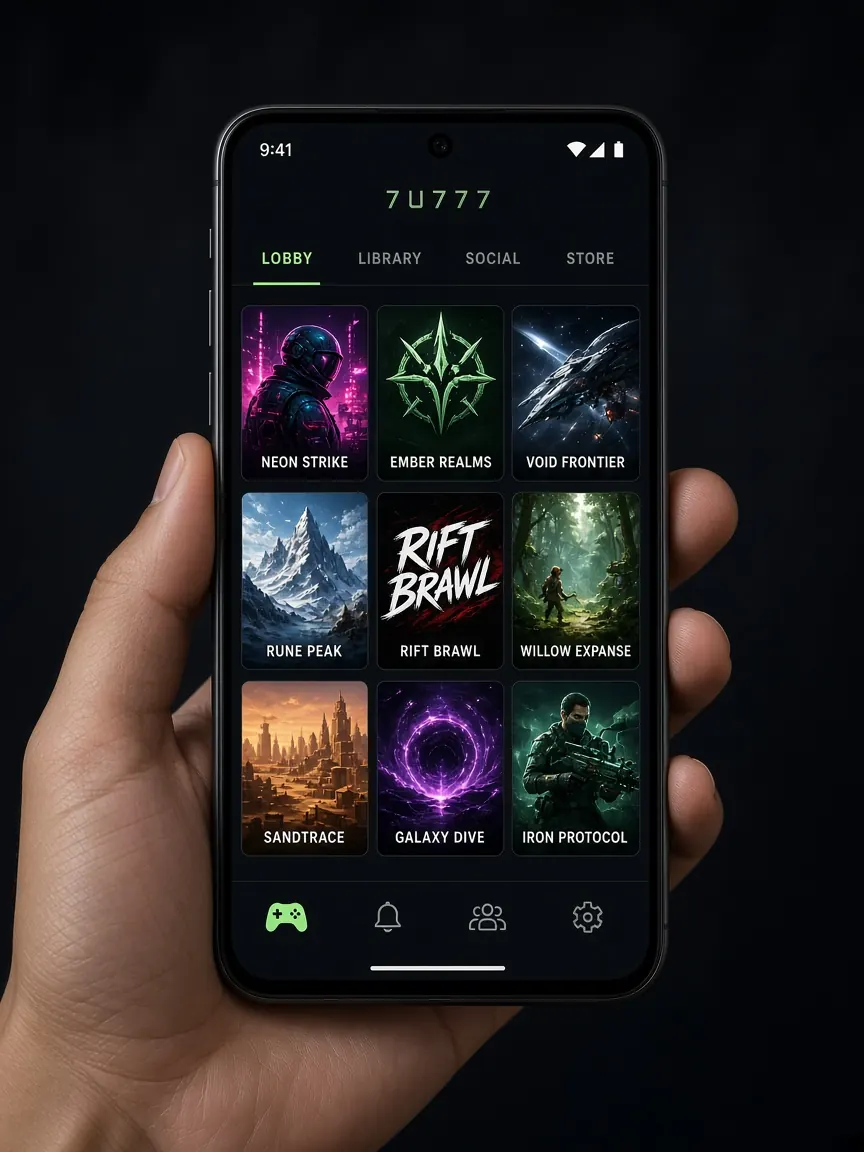
For most apps, you open the Play Store, tap one button, and you are done. Many gaming lobby apps do not work that way, so beginners often feel a little lost the first time. In this lesson we assume you have never installed an app from outside the store before. We explain every pop-up and permission in plain words. Please remember: this is not the official site. The only real source for the app is the button inside the official lobby.
First, decide: do you really need the app?
Honestly, the app is not required. If you open the lobby in Chrome or Safari on your phone, you can still register, log in, deposit, withdraw and play most games. The app simply gives you an icon on your home screen, so you do not have to search for the address every time, and sometimes it sends notifications. If you are completely new, try the browser for the first few days. Get the app later if you want it.
Two words to understand first
- APK: the install file for an Android app. The Play Store actually downloads this same kind of file in the background. When you download an APK straight from the lobby, it is saved in your phone's "Downloads" folder.
- Unknown sources: the permission to install files from outside the Play Store. Android keeps this switched off at first for safety. Only give this permission to the browser you used to download the file.
How to install the 7U777 app on Android, step by step
- Open the official lobby in your phone's browser using the lobby button on this page.
- Look for the Android or "Download" button at the top or bottom of the lobby and tap it.
- Your browser may ask, "This file might be harmful. Download anyway?" If the file came from the lobby, tap "Download".
- When the download finishes, open the file from the notification.
- If your phone says "For your security, installing from this source is blocked", tap "Settings" and turn on the permission for that browser. Then go back and tap "Install".
- When installation is done, tap "Open" and log in with your own number and password. Full login help is in the login lesson.
- If you like, go back to Settings afterwards and turn the "unknown sources" permission off again.
Do not download the file from Telegram groups, Facebook posts or unknown APK websites. A fake app can steal your password or put harmful software on your phone.
What to do on iPhone (iOS)
If the lobby shows an iOS button, tap it and read the on-screen instructions slowly. Sometimes you may see a request such as "Install profile" or "Add to Home Screen". Read what each request is asking permission for before you agree. If the button does not work, do not worry: open the lobby in Safari, tap the Share icon at the bottom, then choose "Add to Home Screen". This creates an icon that works almost like an app.
Your first screen after installing
When you open the app, the login screen usually comes first. After you log in, you will see the same things as in the browser lobby: your balance at the top, the deposit button, game categories and live chat. If the app asks for notification permission, allow it or not — it is your choice. You do not need it to play.
Safe habits when using the app
- Update only from the lobby: when a new version comes out, get it from the notice inside the app or the lobby button. If someone sends you a "new update" link in a message, do not open it.
- Keep a screen lock on your phone: if someone else gets your phone while you are logged in, they can see your account.
- Be careful on a shared phone: if you share your phone with family, log out when you finish.
- Do not give unnecessary permissions: if the app asks to read your contacts, SMS or anything that has nothing to do with playing, be suspicious — it may be a fake app.
If something goes wrong
I can't find the app in the Play Store
Apps like this may not be in the store at all. Even if you see an app with the same name there, you cannot be sure it is real. The lobby button is the reliable source.
It says "App not installed"
Check that your phone has enough free storage. If an older version is installed, uninstall it first and try again. If the download stopped halfway, the file may be broken — download it again.
The app won't open or keeps closing after install
Check whether your phone's software needs an update, and restart the phone once. If it still does not work, play from the browser for now and tell the lobby's live chat.
If you have more download questions, see the download problems lesson. To learn how to spot fake apps, read the fake sites lesson.
Find the app button in the lobby
This site is not official. Whatever the lobby shows for the app button, version and features is final. 18+ only. Because it is so easy to play on a phone, setting time and budget limits matters even more.