
Your first bKash deposit: following the cashier screen
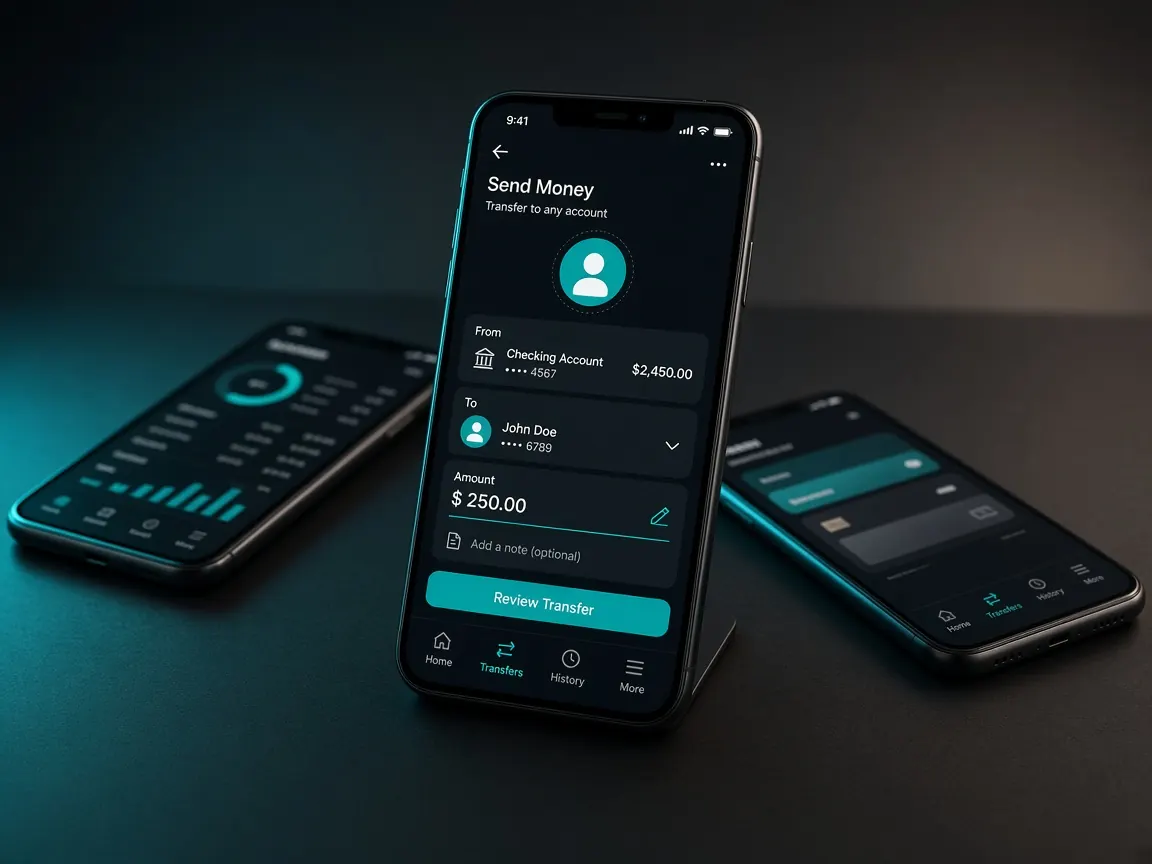
It's normal to feel nervous the first time you send money. What if it goes to the wrong number? So in this lesson we look at each screen separately. One thing is clear from the start: bKash deposits happen only in the official lobby's cashier. This site is an unofficial guide and never takes money.
For new players: have these ready first
- An active bKash account in your own name and its PIN. Enter the PIN only in your own bKash app, nowhere else.
- The exact amount you plan to deposit, decided in advance.
- A phone that can take screenshots, and a good internet connection.
Depositing step by step
- Log in to the lobby. If you see your balance near the top, you're in the right place.
- Tap the cashier or deposit button. A list of payment methods opens.
- Choose the bKash logo. If you don't see it, the method may be off that day; look at the others.
- Type the amount. If the lobby shows a minimum or maximum, follow it.
- Follow the on-screen instructions exactly. Use only what the lobby shows: a number, a reference or the next page. Never a number that arrives by chat or message.
- Save the transaction ID. After you send the money, bKash gives you a message or receipt with this ID. If the lobby asks for it, enter it there, and keep a screenshot of the receipt.
- Check your balance. If it worked, the amount is added to your lobby balance.
If the money doesn't show in your balance
Don't panic and send money again. First open the deposit history or record in the lobby cashier and see if the request is "pending". Then write to the lobby's live chat with the transaction ID and the receipt screenshot. How to write a clear message is in the support lesson.
Traps to avoid on your first deposit
- If someone calling themselves an "agent" asks you to send money to their personal bKash number, don't.
- Ignore any message asking for your PIN, password or OTP to "verify" a screenshot.
- Don't deposit on unfamiliar pages found through search. Read the fake site lesson first.
Withdrawing is a separate process: withdrawal lesson. Other wallets: Nagad · Rocket. The big picture: payments lesson.
Open the official lobby cashier
This site is only a guide. Login, balance and cashier are only in the official lobby. 18+.