
Depositing with Rocket: a first-time lesson
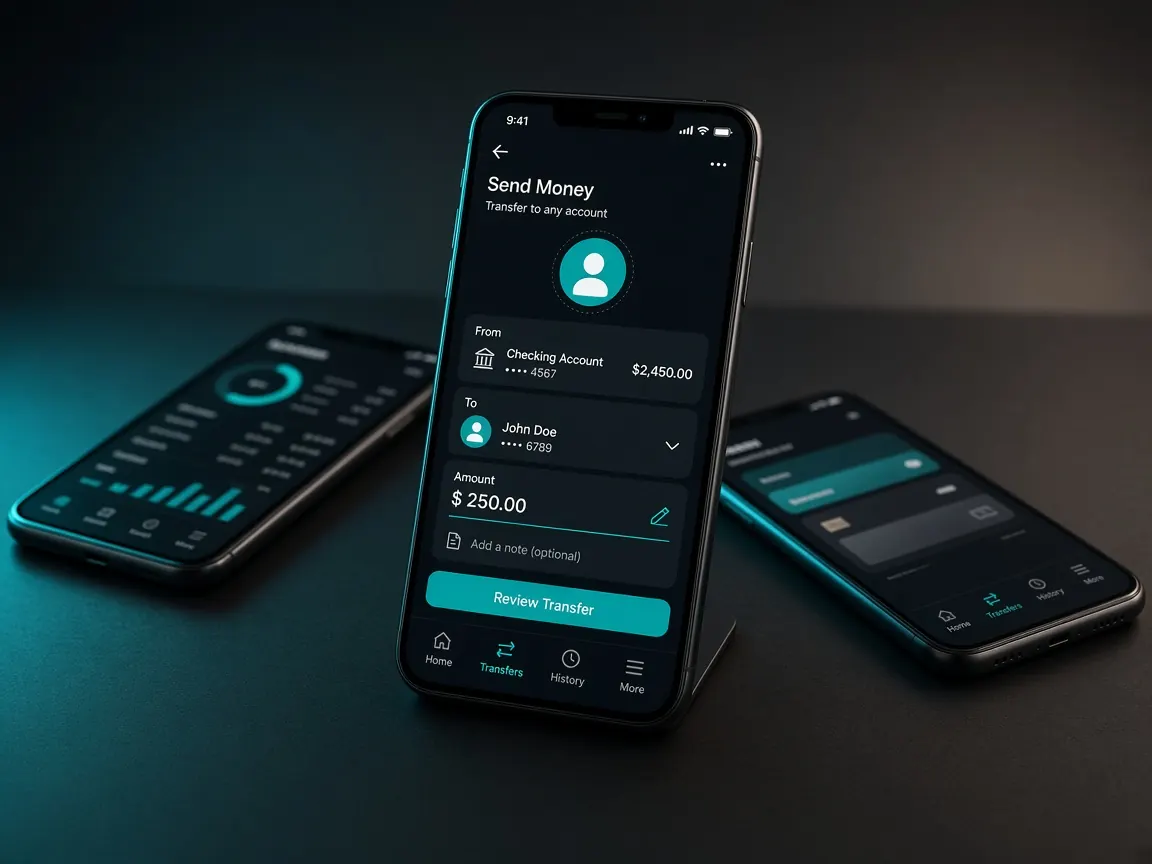
You use Rocket, but you've never deposited in the lobby before? Then this lesson is for you. We'll go through what you see and what to tap on each screen, one at a time. First thing: Rocket deposits happen only in the official lobby cashier. If someone in chat gives you a personal number, don't send money there. This site is an unofficial guide, not a game server.
For new players: three things before you start
- An active Rocket account in your own name, with enough balance.
- A deposit amount decided in advance.
- A little space on your phone to keep receipt screenshots.
In the cashier, step by step
- Open the official lobby and log in. Check that your own balance shows at the top.
- Tap the cashier or deposit menu.
- Look for Rocket in the payment method list. Choose it if it's there; if not, it may be off that day.
- Type the amount. Follow any limit the lobby shows.
- Follow exactly the amount, reference and steps the lobby shows. If a number is needed, take it only from the cashier screen.
- Save the transaction ID from Rocket's message, and enter it if the lobby asks.
- If it worked, check your balance. If it's slow, don't send money again; tell the lobby's live chat with the ID.
It helps to make your first deposit a small one. That way you see the whole path once with your own eyes: the cashier, Rocket's message, and the money reaching your balance. Next time it won't feel new, and if something goes wrong, less is at stake.
How is it different from bKash and Nagad?
All three are Bangladeshi mobile wallets, and the deposit steps in the lobby look much the same. The difference is which method is switched on that day, and the cashier will show you. Start with whichever wallet you use every day. Other lessons: bKash · Nagad · payments overview.
Mistakes new players make most
- Listening when someone says they're an "agent" and asks you to send to a personal Rocket number. Stop. Real deposits go only through the cashier.
- Typing an OTP or PIN into chat. Never give these to anyone.
- Thinking deposit and withdrawal are the same. Withdrawal steps are separate: withdrawal lesson.
- Trusting announcements from fake channels. Official news: @BD_7u777.
This site is only a guide. Login, balance and cashier are only in the official lobby. 18+.