
Depositing with Nagad: slowly, for beginners
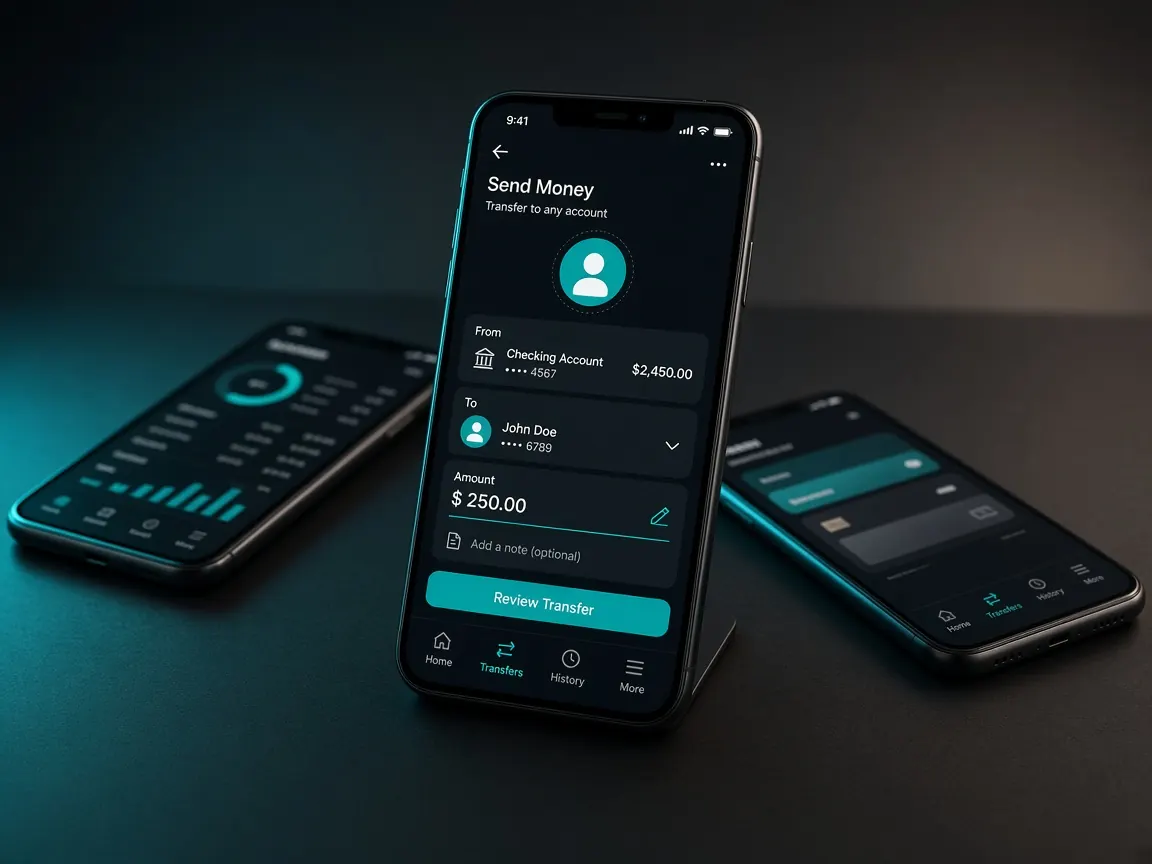
If you already have Nagad on your phone, you don't need to learn anything special to deposit in the lobby. You only need to get to know the cashier screens, and that's what this lesson shows. Remember from the start: deposits happen only in the official lobby cashier, never to an outside personal number. This site is only a guide, not a game server.
Before your first Nagad deposit
- Check that your Nagad account has enough balance.
- If the number on your lobby account and your Nagad number are the same, withdrawals are easier later.
- Decide the amount beforehand. Don't make that decision sitting in the cashier.
The steps, screen by screen
- Log in to the lobby. Check that your balance and account name are showing.
- Cashier, then deposit. Payment method logos appear in a row.
- Choose Nagad. Tap the logo once and wait for the next page to open.
- Type the amount. Follow any limit the lobby shows.
- Finish the lobby's instructions. Do what the next screen says. If it shows a number or reference, take it from the cashier screen only.
- Keep the receipt. Screenshot the transaction ID in Nagad's message.
- Check your balance. If nothing arrives, write to the lobby's live chat with that ID.
After your first deposit, build one small habit: open the deposit history or record section in the cashier and see how your request is shown there: "successful", "pending" or "failed". If something goes wrong later, you will already know where to look.
bKash or Nagad: which to choose
Beginners often ask which is better. The simple answer: the wallet you use every day and that has a balance. The rules for both, and which is on that day, are shown in the lobby cashier. Detailed bKash steps: bKash lesson. A general view of all methods: payments lesson.
Warnings for new players
- If someone acting as an "agent" asks for money to their own Nagad number, don't send it.
- Never tell anyone your Nagad PIN or OTP. Lobby support doesn't ask for them either.
- Before sending the same money twice, check the first one's status in the cashier record.
- Withdrawal steps are separate: withdrawal lesson.
This site is only a guide. Login, balance and cashier are only in the official lobby. 18+.